



 Ammar Sabilarrohman
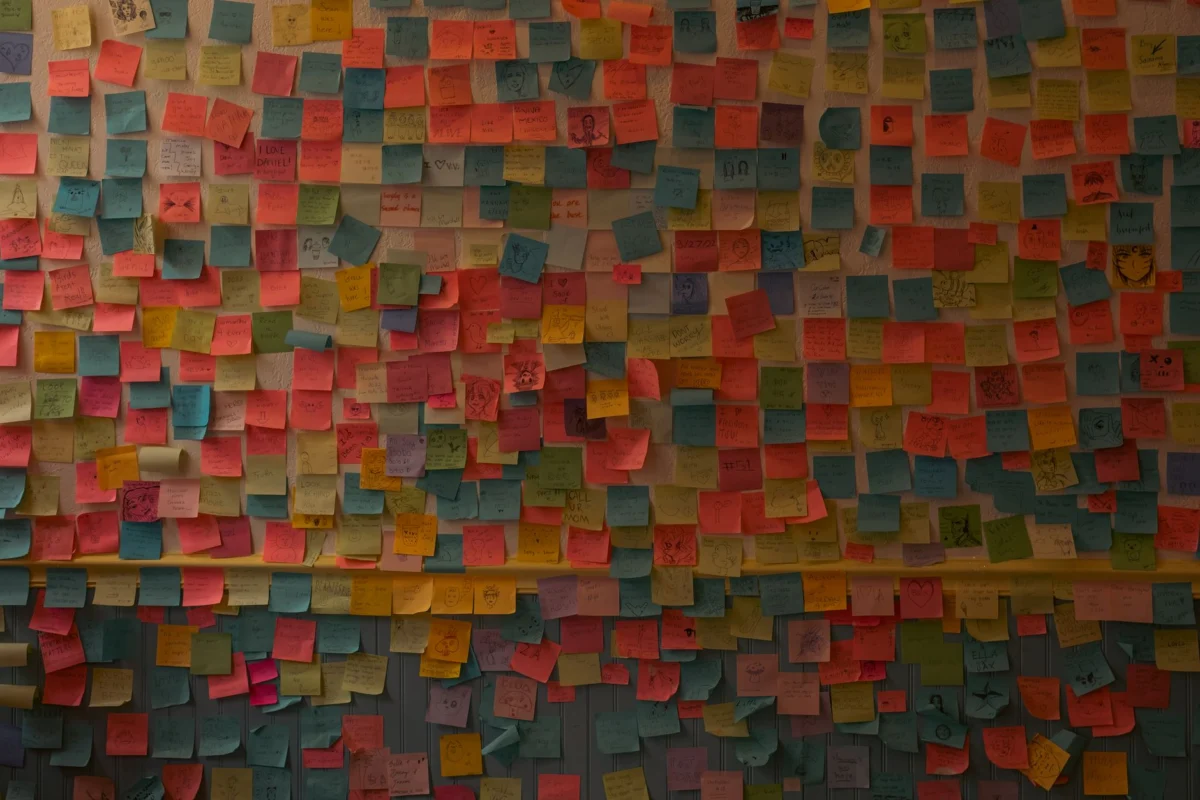
You have been here before. The colorful, grid-lined notebooks bought with the best of intentions, now gathering dust with only three pages used. The elaborate Notion workspace you meticulously architected over a weekend, only to abandon it by the following Tuesday. The graveyard of digital to-do lists and unfinished bullet journals.
If you feel a sense of recurring failure, here is the honest truth: it is not a character flaw. It is a fundamental friction problem. Modern productivity culture often demands that we organize our thoughts before we capture them, creating a barrier that is insurmountable for the "chaos brain." The most effective note-taking systems for disorganized individuals are those that demand nothing of you, catching your fleeting thoughts with zero friction and letting you worry about the "filing" part later—or, ideally, never.
The Friction Problem: Why Traditional Systems Fail
The primary reason most note-taking methodologies fail is that they are designed for people who already have their thoughts in neat, linear rows. They demand an "organizing-first" approach. You open an app, you are greeted by a folder selector, a template chooser, or a tag-assigning menu. By the time you navigate that labyrinth, the fleeting spark of an idea has evaporated.

This cognitive load is particularly devastating for individuals managing ADHD or high-stress, fast-paced work environments where working memory is already operating at maximum capacity. According to research cited by Harvard Health, the act of externalizing thoughts is a vital cognitive offload strategy. The format, the aesthetic, and the hierarchy matter significantly less than the velocity of capture. The true winner is the tool that offers the lowest possible barrier between the "I have a thought" moment and the "it is saved" reality.
Chronology of the Modern "Brain Dump"
The evolution of note-taking has shifted from structured, archival filing to fluid, rapid-fire capture. In the early 2010s, the trend was "Building a Second Brain," a concept that required rigorous categorization. It was effective for those who enjoyed the architecture of data, but it alienated the vast majority of users who simply wanted to remember where they parked or what that grocery item was.
By 2024 and moving into 2026, the industry pivoted. We saw the rise of the "Inbox-First" philosophy. Modern app developers realized that users weren’t failing because they were lazy; they were failing because they were being forced to act as their own librarians before they were allowed to be writers. Today, the most successful tools are those that mimic a digital junk drawer—a place where items are dumped with the intent of being found through search rather than through manual sorting.
Supporting Data: Why Speed Beats Structure
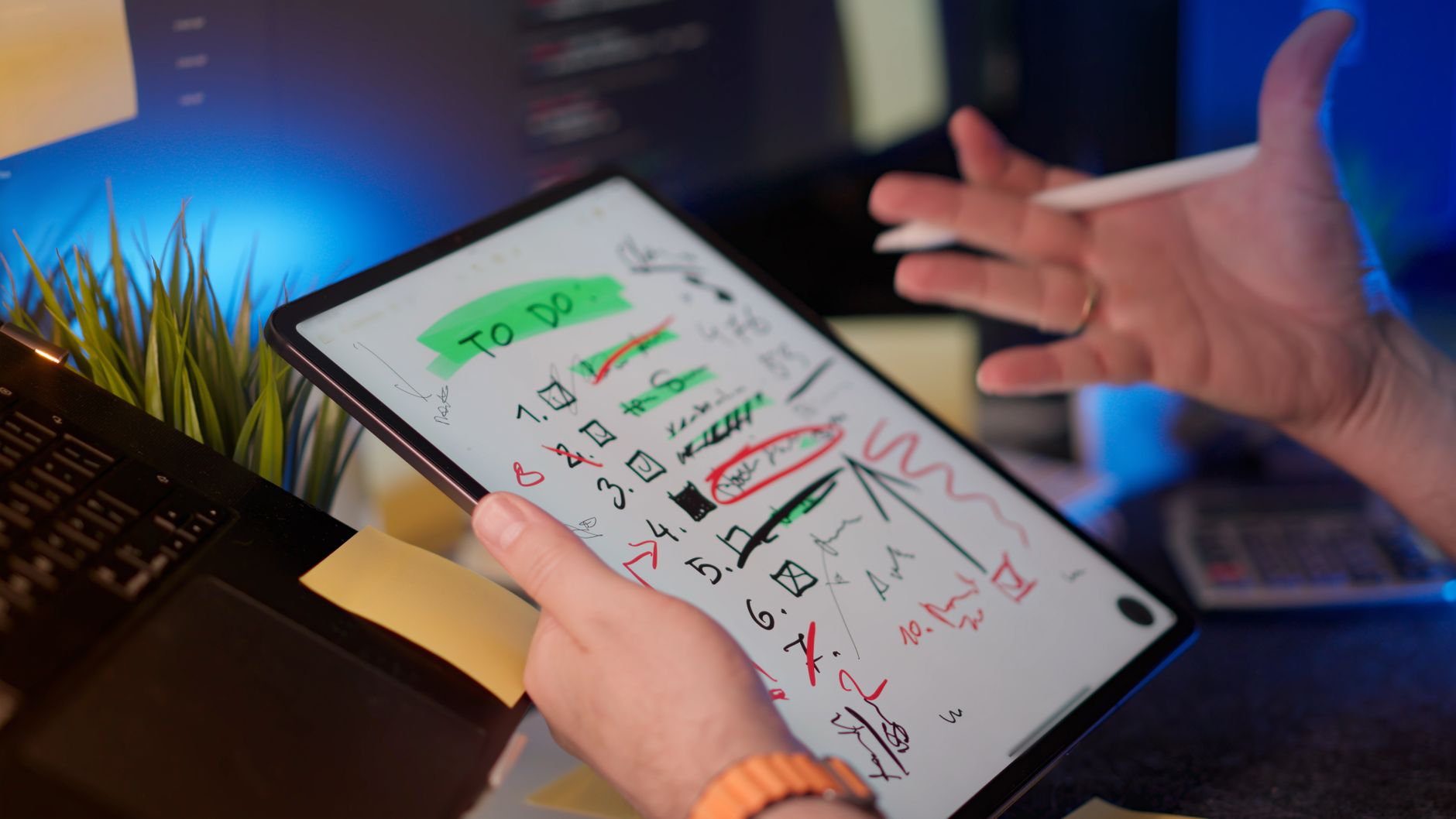
Data consistently indicates that the "drop-off" rate for productivity apps is tied directly to the number of clicks required to capture information. A study of user retention in productivity suites suggests that if a capture action requires more than two seconds or three interface interactions, the user is 70% less likely to form a long-term habit.
Furthermore, the integration of voice-to-text and AI-driven transcription has altered the landscape. Wired’s productivity analysis has flagged voice capture as one of the highest-ROI habits for professionals who think faster than they type. When you can speak your thoughts, you bypass the physical limitations of typing, which often acts as a bottleneck for neurodivergent thinkers or those in motion.
The Top-Tier Tools for Disorganized Minds
If you are ready to stop fighting your tools, here are the platforms that prioritize capture over categorization:
1. Notion (The "Inbox" Approach)
While Notion is famous for its complex databases, its greatest utility for the disorganized is its "Inbox." By creating a single, simple page that acts as a catch-all, you can dump everything from meeting notes to dream logs. It is a powerful, free tool that only becomes as complicated as you choose to make it.
2. Obsidian (The Private Vault)
For those concerned about privacy or the instability of cloud servers, Obsidian is a revelation. It stores your notes as local text files on your device. Ignore the "Graph View" and the plugins; just use it as a rapid-fire, searchable notebook. It is lightning fast and functions without a subscription.
3. Apple Notes (The Underdog)
Often dismissed for its simplicity, Apple Notes is perhaps the most effective tool on this list. It requires no onboarding, no setup, and no folder structure to begin. Its search capabilities are robust, and its integration with Apple’s ecosystem makes it the most accessible "emergency capture" tool.

The Rise of Voice-First Capture
Typing while walking, driving, or waking up is a major point of friction. Voice-to-text has evolved from a buggy, frustrating experience to a seamless, high-accuracy utility.
- Otter.ai: The gold standard for transcription. It turns rambling, long-form thoughts into searchable text. It is ideal for those who process information by speaking.
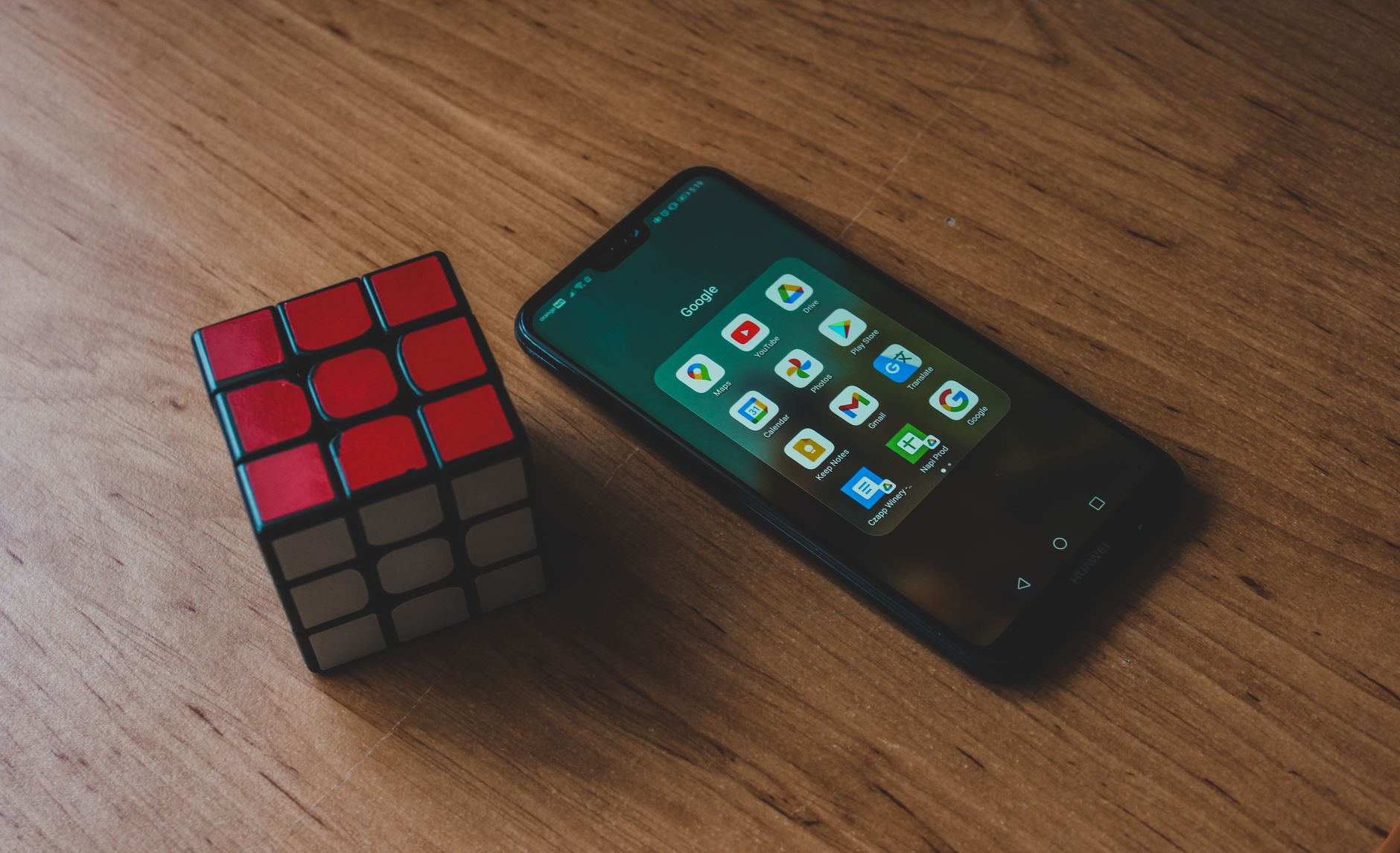
- Google Keep: The king of instant synchronization. Its voice-to-text is built-in, free, and instantly searchable across any device logged into your Google account.
- Apple Intelligence Integration: Apple’s recent on-device transcription updates have changed the game for privacy-conscious users, allowing for high-fidelity speech-to-text without the need for an internet connection.
Implications: The "Sync-All" Necessity
The best system in the world is useless if it is trapped on your laptop while you are standing in a checkout line. According to PCMag, synchronization reliability is the single most significant factor in long-term habit retention. If your notes don’t follow you everywhere, your brain will eventually stop trusting the system. Before you commit to an app, test its sync speed across mobile, tablet, and desktop. If it lags, abandon it.
The Secret: The Home Screen Widget
If you take one piece of advice from this article, let it be this: Set up a home screen widget.
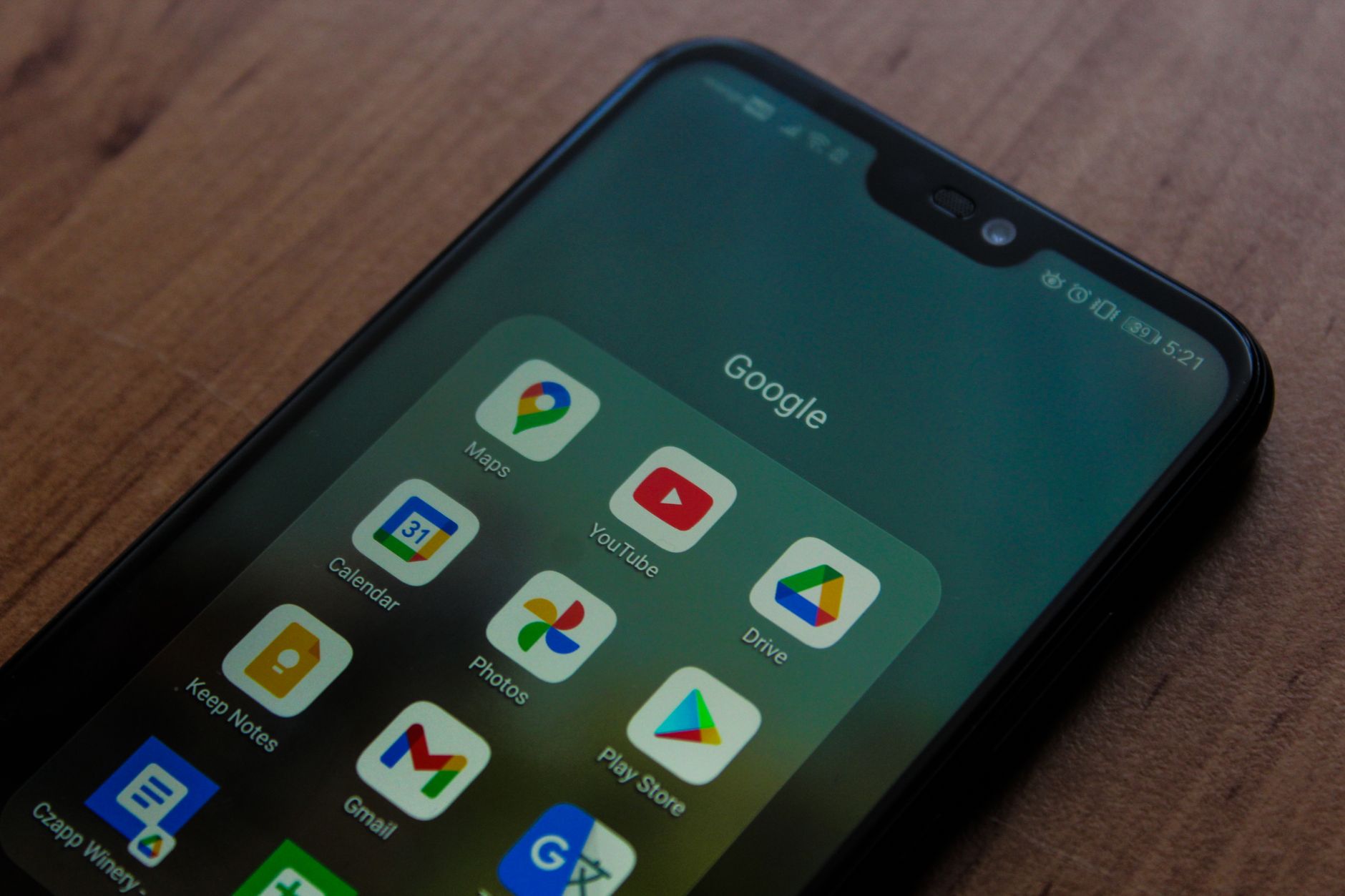
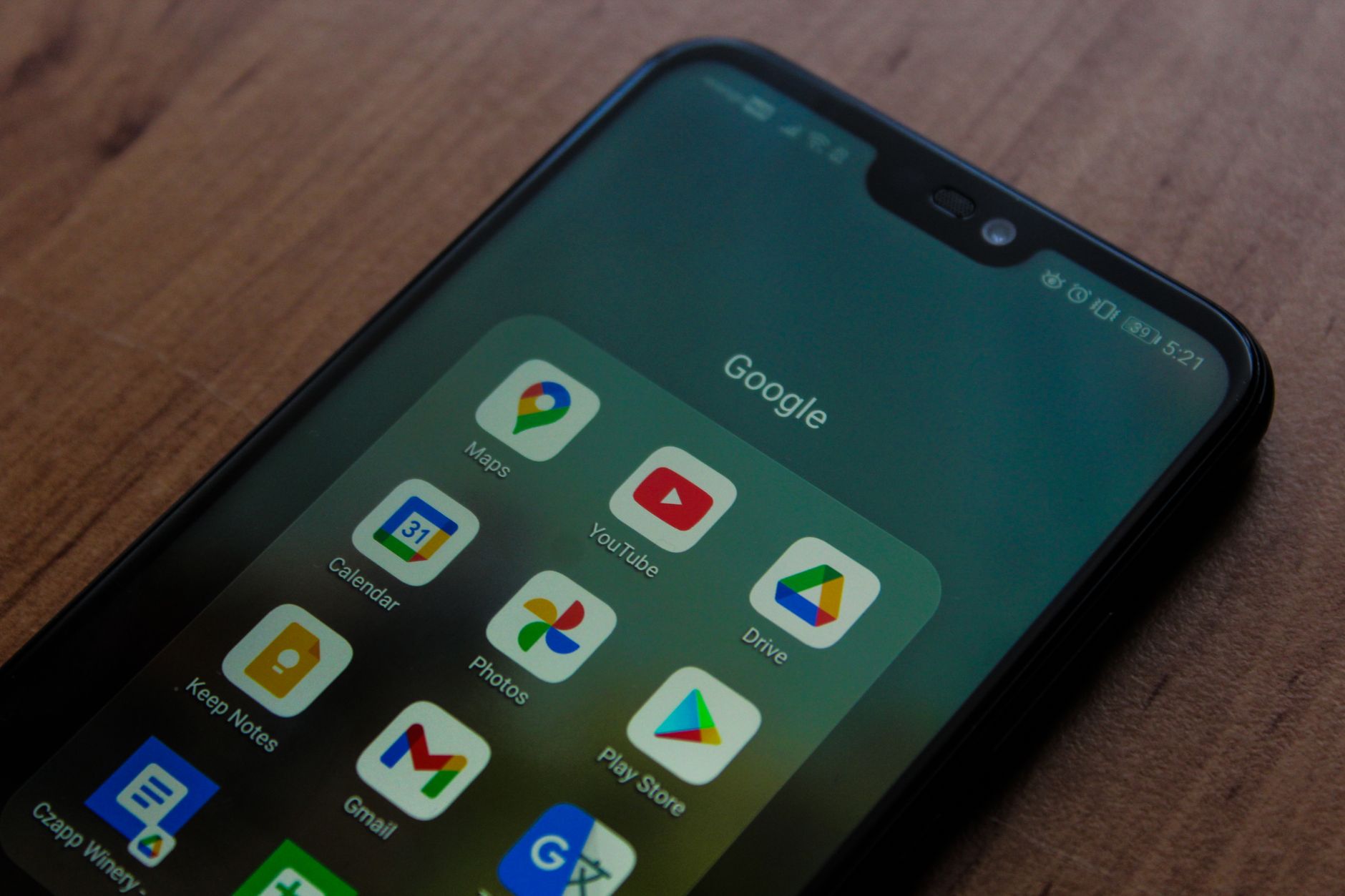
The most successful note-takers don’t have better discipline; they have better placement. By dragging a "New Note" shortcut to your phone’s home screen, you reduce the capture time to a single tap. This eliminates the "three-tap-hunt" that kills productivity.
Expert Consensus and Official Guidance
Productivity experts from The Guardian and ADDitude Magazine have reached a consensus: the perfect system is the enemy of the functional one. Maintaining a complex, "aesthetic" system is a form of procrastination in itself.
The goal is not to build a knowledge management system worthy of a viral YouTube video. The goal is to ensure that your ideas survive the transition from your brain to the digital world.
Final Takeaway: Adopt the "Imperfect" Mindset
If you find yourself worrying about where a note belongs, you have already lost the battle. Adopt the "Inbox" mindset:
- Capture: Dump the thought immediately.
- Sort (Optional): Sort it once a week, or never.
- Search: Rely on the app’s internal search function to retrieve your information.
Your notes are there to serve you, not the other way around. Choose one of the tools mentioned, pin it to your home screen, and give yourself permission to use it imperfectly. In the world of chaos-brain productivity, an imperfect note saved is infinitely better than a perfect note that never made it out of your head.


 Raul Delapena Setiawan
 Muslim